
The $98,000 Nobody Noticed
Last year, I did a vendor audit for a 40-person company. Nothing fancy — just went through every recurring charge on their credit card statements and cross-referenced it with what people were actually using. The result: $98,000 per year in vendor spend that was either unused, duplicated, or overpriced.
Nobody had stolen anything. Nobody had made a bad decision. Each subscription made sense when it was purchased. The problem was that nobody was watching the total, and nobody was checking whether the tools were still being used six months later.
The biggest single line item was a $2,400-per-month analytics platform that three people had access to and one person used — sporadically. When I asked the team lead about it, he said he thought it had been cancelled in Q2. It had not. That is eight months of payments for a tool that was functionally dead. Nobody noticed because $2,400 does not trigger any alarm bells on a monthly P&L.
This is not unusual. Every business I have audited has the same pattern. Software gets purchased to solve a problem, the problem gets solved or changes, and the subscription keeps running. Multiply that by 20 or 30 vendors and the numbers get significant fast. Unused, duplicated and overpriced subscriptions can add up across a software budget. The scale of that waste needs to be measured in your own accounts.
The insidious part is that no single subscription looks unreasonable. It is the aggregate that kills you. Fifteen tools at $200 a month is $36,000 a year — and if half of them are underused, you just lit $18,000 on fire in increments too small for anyone to flag.
In Ai1, the CFO does this work for your team.
The Three Types of Vendor Waste
After doing dozens of these audits, I have found that vendor waste falls into three predictable categories.
The first is shelfware — tools that were purchased and are now sitting unused or underused. Zylo’s 2026 SaaS Management Index found that 46% of SaaS licenses in the average organisation’s portfolio are unused. The classic example is the enterprise plan with 20 seats where 6 people log in regularly. Nobody downgrades because nobody is tracking usage. In one agency example from MyZone's own work, the agency paid $850 a month for a social scheduling tool with unlimited users and advanced analytics. They were using it to schedule posts for two clients. A $49-per-month plan would have covered them. The stated $850 and $49 monthly prices imply a $801 monthly difference, or $9,612 a year, before any switching costs.
The second is overlap — multiple tools doing the same job because different departments chose independently. Three project management tools. Two video conferencing platforms. Four different ways to send files. Each person thinks their tool is the only one. This happens because departments buy tools in isolation. Sales picks one CRM, marketing picks another with CRM features, and customer success picks a third. Nobody is looking at the org-level view, so nobody sees that you are paying three vendors for 80 percent of the same functionality.
The third is price drift — vendors who quietly raise prices at renewal, knowing most businesses rubber-stamp the invoice without checking market rates. A 10 percent annual increase compounded over 3 years means you are paying 33 percent more than when you started, and you are probably paying more than a new customer would. Here is a scenario I see constantly: a company signed a $500-per-month contract three years ago. The vendor has bumped it to $665 through annual increases. Meanwhile, two competitors have launched equivalent products at $350. The company never checked because the invoice just auto-processed. That gap of $315 per month is pure vendor tax.

Why Manual Tracking Always Fails
Every operations person I know has tried to build a vendor tracking spreadsheet at some point. It starts strong — columns for vendor name, contract date, renewal date, monthly cost, owner. First month it is up to date. Second month, mostly. By month four, it is a historical artefact that nobody updates and everybody ignores.
Vendor data is spread across many systems:
- Contracts live in Google Drive
- Invoices come through email
- Payments flow through Stripe or Xero
- Usage data sits in each vendor's own admin panel
There is also the political problem. Vendor tracking requires asking department heads what they are using and whether they still need it. People get defensive about their tools. Nobody wants to admit they are paying for software they forgot about. And nobody wants to be the person who cancels something right before someone else needs it. So the spreadsheet becomes a polite fiction — technically maintained, practically useless.
Even dedicated procurement teams struggle with this. By the time you have catalogued 40 or 50 vendors, cross-checked usage logs, and compared pricing to market alternatives, the data is already stale. The audit becomes a quarterly event at best, and the waste accumulates in the gaps between audits. You need something watching continuously, not someone checking periodically.
What AI Changes About Vendor Management
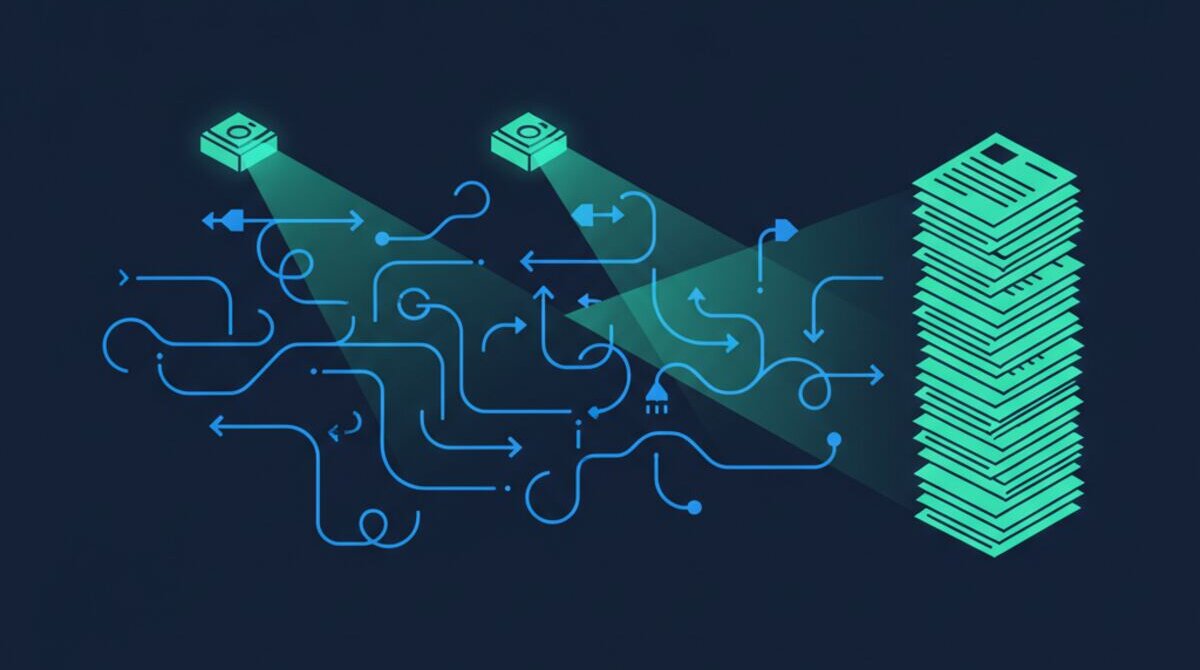
The fundamental shift is that AI can watch everything simultaneously, all the time. It connects to your accounting tools, your email, your document storage, and your SaaS subscriptions. It builds a complete picture of every vendor relationship — what you are paying, what you are using, when contracts renew, and how that compares to what other companies pay for the same thing.
When a subscription auto-renews at a higher rate, AI catches it immediately. When a tool's usage drops below a threshold, AI flags it for review. When three teams are paying for competing products that do the same thing, AI identifies the overlap and recommends consolidation. It can even draft the cancellation email or prepare a negotiation brief with competing quotes.
Consider what this looks like in practice. Your AI monitor detects that Slack usage in your design team dropped 60 percent last quarter because they migrated their conversations to Microsoft Teams. Slack’s analytics documentation defines a messages-sent metric for workspace activity. It cross-references the Slack contract and finds renewal is 45 days away. It pulls the current Teams licensing cost, confirms the design team is already covered, and sends your ops lead a recommendation: downgrade from Slack Business+ or cancel entirely. Estimated annual savings: $4,200. That entire analysis happened without anyone asking for it.
The key is that none of these individual checks are hard. Any person could do any one of them. The problem was always doing all of them, for every vendor, every week. That is where AI excels — it does not get bored, it does not forget, and it does not have more urgent things to do. It runs the equivalent of a full vendor audit every single day, across every subscription, and only surfaces the things that need a human decision.
The Renewal Window Problem
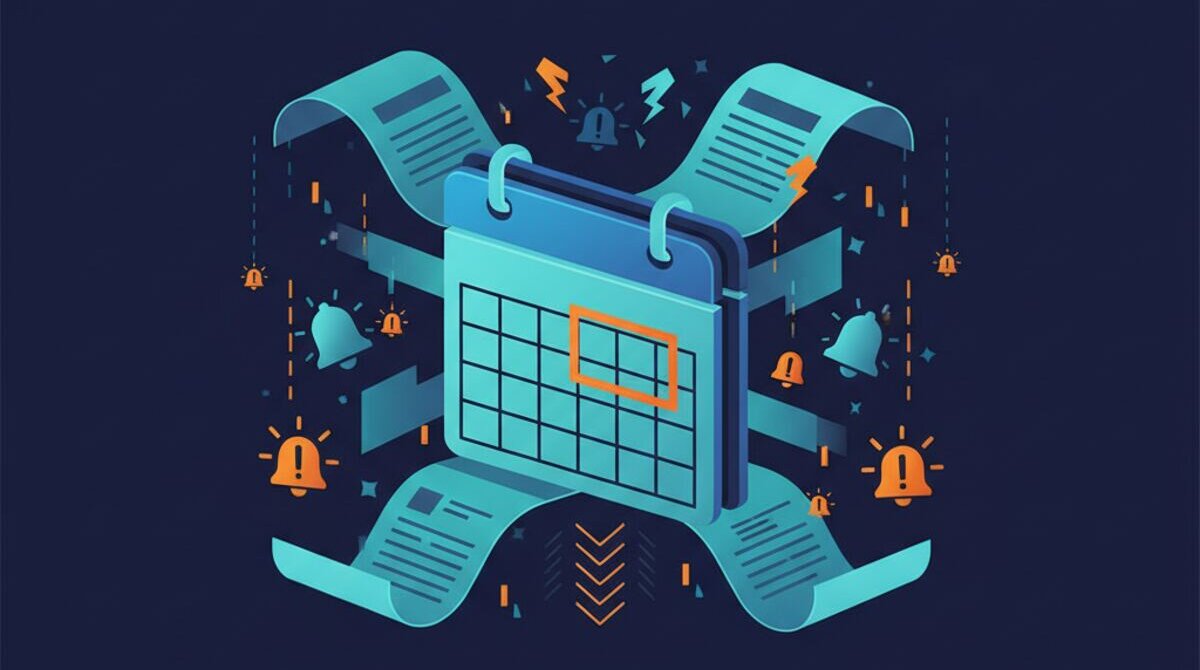
Here is the most expensive mistake in vendor management: missing the cancellation window. Some SaaS contracts auto-renew and require notice before a specified deadline; check each agreement for its actual terms. Missing that deadline may commit you to another term, depending on the agreement and applicable rules.
I have seen companies lose tens of thousands of dollars to missed windows. One client discovered they were paying $14,000 a year for a testing platform their engineering team had abandoned. They wanted to cancel, but they were two days past the notice deadline. Another 12 months locked in — a real cost that came directly from not having a system watching the calendar.
AI-powered monitoring solves this by flagging every renewal 90 days out. That gives you time to evaluate whether you want to keep the tool, negotiate better terms, or switch to an alternative. It also prepares negotiation leverage — here is your current usage, here is what competitors charge, here is what a new customer would pay. Walking into a renewal conversation with that data changes the dynamic entirely.
Vendors count on you being unprepared. Their renewal process is designed to be frictionless — automatic charges, buried cancellation clauses, vague "we'll keep everything the same" emails. When you show up 60 days early with usage analytics, competitive pricing, and a clear alternative evaluated, the conversation shifts from "here is your renewal" to "what can we do to keep your business." That information can support a negotiation, but any savings depend on the contract and vendor.
See It in Action
We built vendor monitoring into Ai1 because we needed it for our own business — and because every client we work with has the same blind spots. In MyZone's own vendor audit, we reported $23,000 in annual waste across 12 subscriptions — our own business result, not an industry benchmark, and the motivation we needed to automate it.
MyZone reports a 20 to 30 percent reduction in total vendor spend within the first 90 days as its own client experience, not an industry benchmark or a guaranteed outcome. Not by cutting tools people need, but by eliminating the ones nobody uses, consolidating overlap, and renegotiating the ones that are overpriced. If you want to see how it works with your actual vendor stack, meet the Lawyer or book a walkthrough.
The Hidden Costs Beyond Subscription Fees
When most people think about vendor costs, they think about the monthly or annual subscription fee. That is the visible number on the invoice. But the true cost of every vendor relationship includes at least three additional layers that rarely get measured.
Switching Costs
Every tool you adopt creates switching costs — the time, effort, and risk involved in moving to an alternative. The longer you use a tool, the higher these costs become. Your data is stored in their format. Your team has built workflows around their interface. Your integrations connect through their APIs. Migrating away from a CRM or project management platform can involve lost productivity, data migration and retraining, even when the new tool has a lower subscription price.
Vendors know this. It is why they offer steep discounts in year one and raise prices aggressively in years two through five. By the time you notice the price increases, the switching cost has grown large enough to keep you locked in. AI vendor monitoring tracks not just what you pay, but what it would cost to switch — giving you the data to decide whether the vendor's price increases are worth absorbing or whether it is time to migrate while switching costs are still manageable.
Training and Onboarding Costs
Every new tool requires training. The obvious cost is the hours spent learning the interface and building workflows. The hidden cost is the possible productivity dip while your team learns the new tool, even if it is a better fit. Include training time and any lost productivity in your own adoption budget rather than assuming a standard cost. Nobody budgets for this. Nobody tracks it. And it happens every time you add or switch a tool.
Integration Maintenance
Modern businesses connect their tools through integrations — CRM to email, project management to invoicing, analytics to reporting. Every integration creates a maintenance burden. APIs change. Vendors deprecate features. Updates break connections. Troubleshooting and maintaining integrations can consume staff time, including time from people without a dedicated support role. Track those hours and apply your actual labor costs to estimate the expense that does not appear on a vendor bill.
Subscription fees alone do not show switching costs, training costs or integration maintenance; include these when estimating the total cost of your vendor stack. AI monitoring helps you see the full picture so you can make decisions based on real total cost, not just the visible line item. For a broader view of how these costs impact your overall financial health, our AI Financial Health Monitor provides the visibility most businesses lack.
Building a Vendor Management Strategy
Most businesses manage vendors reactively — they deal with invoices when they arrive and renewals when they are imminent. A proactive vendor management strategy can help identify avoidable spending and reduce the work of managing your tool stack. Here is how to build one.
Step 1: Complete Vendor Inventory
Start with a full audit of every recurring charge your business pays. Check credit card statements, bank accounts, expense reports, and ask every department head what tools their team uses. You will be surprised by what you find. Look for forgotten subscriptions: old trial accounts that converted to paid, tools purchased by former employees and duplicate subscriptions across departments.
Step 2: Usage Analysis
For every active subscription, determine actual usage. How many licensed seats are being used? How frequently? What features are being used versus what features you are paying for? Most SaaS platforms have admin dashboards that show login frequency and feature adoption. If 6 out of 20 seats are active, you are overpaying by 70%. If you are on the enterprise plan but only using features available on the standard plan, that is an immediate savings opportunity. Microsoft’s usage reports can help identify people who barely use a service and may not need a licence.
Step 3: Overlap Identification
Map every tool to the business function it serves. You will likely find that multiple tools serve the same function — two project management platforms, three video conferencing tools, overlapping CRM and email marketing capabilities. Consolidation is the fastest path to significant savings because you eliminate entire subscriptions rather than just negotiating small discounts.
Step 4: Renewal Calendar
Build a calendar of every renewal date with a 90-day advance warning for each one. This is where AI monitoring becomes indispensable — it tracks renewals automatically, alerts you well in advance, and prepares market comparison data so you enter every renewal negotiation with leverage. Missing a 30-day cancellation window on a $2,000/month subscription costs you $24,000. An automated renewal calendar prevents that entirely.
Step 5: Negotiation Playbook
Before every renewal, gather:
- What you are currently paying
- What a new customer would pay for the same plan
- What the top 2–3 alternatives charge
Step 6: Continuous Monitoring
A vendor audit is not a one-time project. New tools get added, usage patterns shift, and vendors change their pricing. Continuous monitoring — checking usage, tracking costs, and comparing market rates — is the only way to prevent vendor waste from creeping back in. This is where AI excels: it does the monitoring that no human has the bandwidth or consistency to do manually, every day, for every vendor.
The vendor tax is not a line item anyone sees on a financial statement. It is the cumulative cost of not paying attention — and it compounds every quarter you ignore it.
See the Vendor Contract Monitor Automation in Action
Watch how Ai1 tracks vendor contracts and flags renewal risks with our vendor contract monitor automation workflow.
Meet the Lawyer →