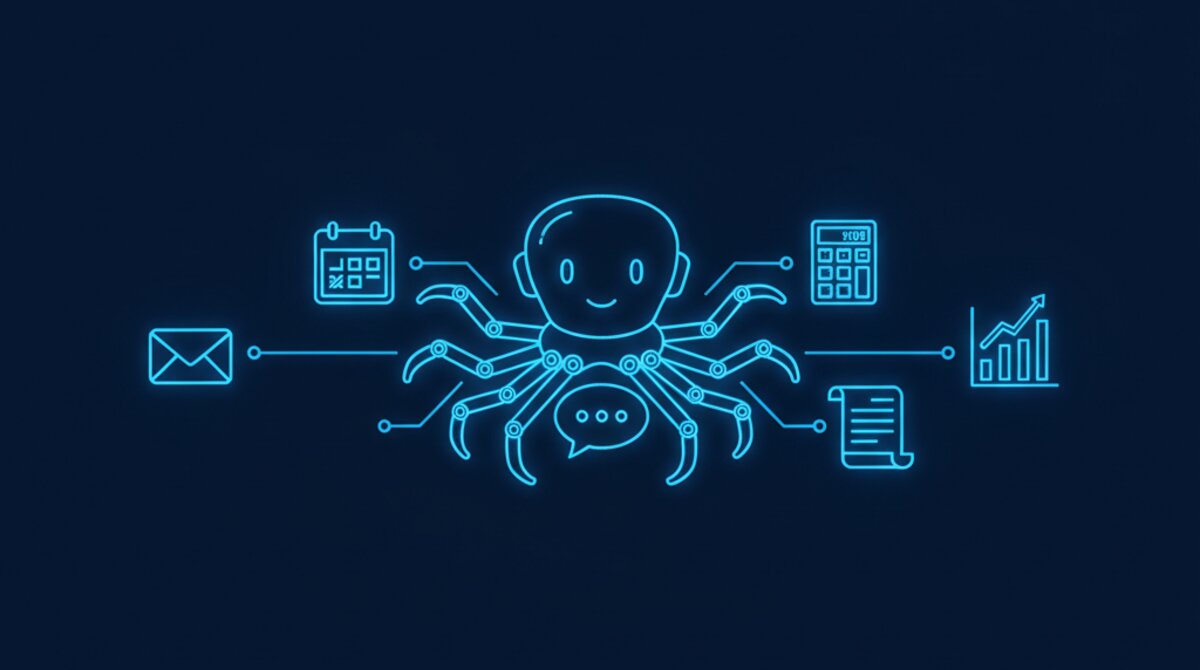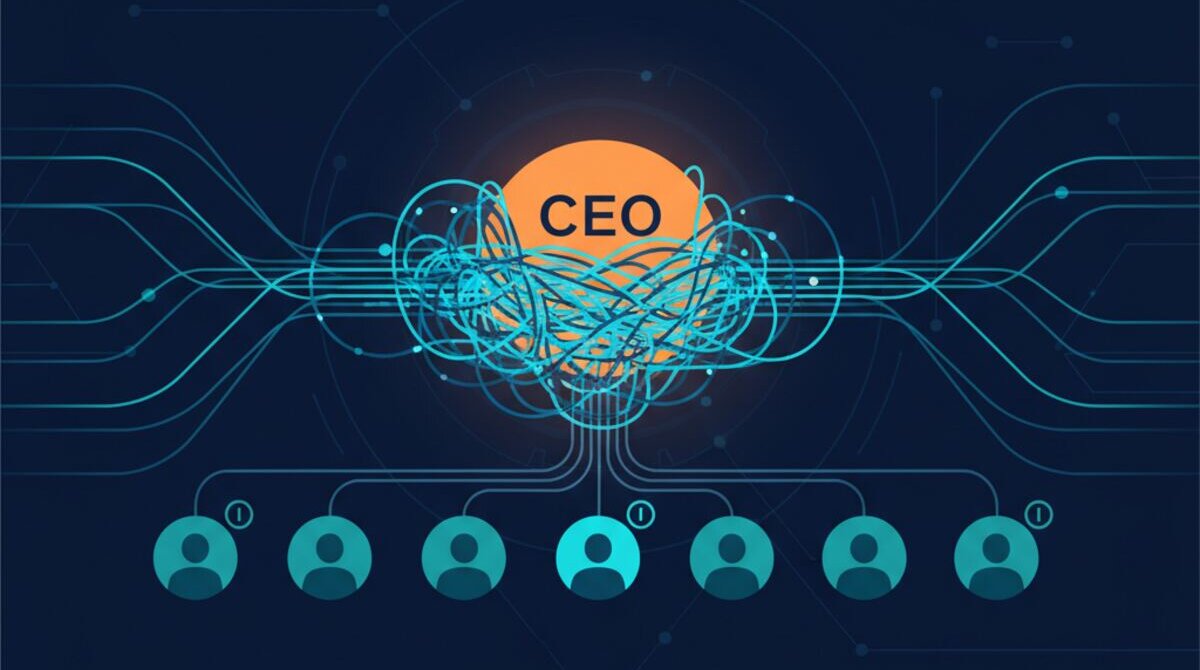
Your AI agent wakes up Monday morning and reads your team's Slack channels, scans your Google Drive, accesses your email, and connects to your external APIs. It runs on schedule, executes tasks autonomously, makes decisions, and interacts with your systems at machine speed.
That's the dream. But here's what keeps security leaders awake at night: What if that agent is compromised? What if someone injects malicious instructions into its prompt? What if its API tokens get exposed? What if it leaks sensitive data because nobody configured guardrails?
In 2026, AI agent security is the frontier. 88% of organizations reported confirmed or suspected AI agent security incidents in the last year. That figure comes from Gravitee's 2026 survey. In Gravitee's 2026 survey, only 14.4% of organizations reported full security approval for their entire agent fleet. That finding points to a gap between adoption and oversight.
The Real-World Threats Are Happening Now
This isn't theoretical. In their February 2026 paper, Shapira and colleagues document eleven representative case studies in Agents of Chaos, an exploratory red-teaming study of autonomous agents in a live laboratory environment. Observed failures included disclosure of sensitive information, destructive actions, denial-of-service conditions and identity spoofing.
In 2025, researchers demonstrated how a malicious GitHub Gist could hijack an AI agent via indirect prompt injection. Samsung employees leaked confidential code by using ChatGPT for code reviews. Amazon issued warnings after detecting instances where LLM responses resembled sensitive internal documents.
The threat is real. The cost of getting it wrong is catastrophic. Let's fix it.
In Ai1, the Credentials Agent does this work for your team.
The 10-Point Security Checklist
Each point below is a concrete action you can implement immediately. Treat this as a mandatory checklist—not a suggestion framework. If you're deploying AI agents without these controls, you're running a security debt that will come due.
1. Token & Credential Management (No Hardcoding, Ever)
The mistake: Developers embed API keys, OAuth tokens, and database credentials directly in agent code or system prompts. Gravitee's 2026 survey found 45.6% of teams still rely on shared API keys for agent-to-agent authentication.
Why it matters: If your agent is compromised—or if conversation history is exposed—attackers have permanent access to all downstream systems. One stolen token can grant the blast radius of a Fortune 500 hack.
How to fix it:
- Use a secrets vault (HashiCorp Vault, AWS Secrets Manager, Azure Key Vault) to store all credentials. Never store them in code, environment files, or prompts.
- Implement ephemeral credentials: Issue short-lived tokens that expire in minutes or hours, forcing re-authentication at frequent intervals. If a token is compromised, its window of use is tiny.
- Rotate credentials automatically: Set up lifecycle management to issue new credentials, retire old ones, and audit who accessed what and when.
- Use OAuth 2.0 for machine-to-machine access instead of static API keys. Minimize the lifetime of any credential.
- Filter credentials from logs and conversation history: Agents should never echo back tokens, keys, or passwords in explanations or responses.
2. Prompt Injection Defense (System Prompt Hardening)
The mistake: Agents treat user input and system instructions as equivalent. A clever attacker can override your guardrails by injecting new instructions into a data file, email body, or web page that the agent reads.
Why it matters: Prompt injection is OWASP's #1 risk for LLMs. It requires virtually no technical knowledge. An attacker can hide instructions inside innocuous-looking emails or documents.
How to fix it:
- Separate system prompts from user data: Use strict XML or JSON boundaries to mark what's system instruction vs. external data. Make the distinction unambiguous.
- Validate and sanitize inputs: Use semantic validation libraries designed for LLMs. Reject inputs that try to override your stated constraints.
- Sandbox external content: Content from web pages, documents, or external APIs should be treated as untrusted. Use special markers to signal this to the model.
- Use reinforcement learning from human feedback (RLHF) to train your agent to resist manipulation. Red-team the agent intentionally.
- Monitor for anomalous behavior: If your agent suddenly starts refusing its core mission, log it and alert your team.
3. Permission Boundaries (Least Privilege)
The mistake: Agents get broad permissions because it's easier to grant wide access than to scope it down.
Why it matters: Oversized permissions increase the damage a compromised agent can cause. If compromised, attackers have every permission the agent was granted.
How to fix it:
- Implement least privilege: Each agent should have access to only the minimum data and capabilities required for its job.
- Use Just-In-Time (JIT) access: Grant permissions only for the duration of a specific task, then revoke them.
- Compartmentalize agents: Use specialized agents with narrow scope instead of one mega-agent with all permissions.
- Audit permission grants: Treat agent permissions like human employee access. Require approval. Review quarterly.
- Use role-based access control (RBAC): Define roles with specific permission sets. Assign agents to roles.
4. Network Isolation & Egress Filtering
The mistake: Agents have unrestricted network access. They can call any URL, connect to any IP, exfiltrate data anywhere.
Why it matters: Unrestricted network access enables data exfiltration, network scanning, and attacks on third-party services.
How to fix it:
- Implement egress filtering: Use firewalls or proxies to restrict external URLs/IPs agents can access. Maintain a whitelist of approved endpoints.
- Monitor all outbound traffic: Log every API call and HTTP request. Alert on unfamiliar connections.
- Use VPCs or private networks: Run agents in isolated network segments.
- Require human approval for external data transfers: Make data exfiltration expensive in terms of latency and approval overhead.
- Run agents behind a security gateway: Use centralized control points that log and filter all activity.
5. Human-in-the-Loop for Critical Actions
The mistake: Agents execute sensitive operations autonomously with no human oversight.
Why it matters: Autonomous execution at machine speed amplifies damage. A prompt injection can result in damage in seconds before humans notice.
How to fix it:
- Define critical action categories: Financial transactions, data deletion, permission changes, external communication—these require explicit human approval.
- Implement approval workflows: Agents present planned actions to humans in clear, auditable formats.
- Use escalation paths: Routine actions execute immediately. Important actions require approval.
- Build friction for irreversible actions: Make deletion and sensitive modifications slower and more deliberate.
- Require multi-party approval: No single person or agent should unilaterally approve high-risk changes.
6. Comprehensive Audit Logging
The mistake: There's no record of what the agent did, when it did it, or why.
Why it matters: Audit trails are your forensics tool. Without logs, you can't trace root causes or scope impact.
How to fix it:
- Log every agent action: API calls, file access, emails sent, data queried—everything with timestamp and context.
- Log the decision chain: What prompt triggered the action? What reasoning did the agent provide?
- Make logs immutable: Use write-once storage. Attackers shouldn't be able to cover tracks by deleting logs.
- Use centralized logging: Aggregate logs in a central SIEM tool for searching and correlation.
- Set up alerts for anomalies: Unusual access patterns, failed authentication, unfamiliar connections should trigger real-time alerts.
- Retain logs long-term: Keep audit logs for at least 12 months for compliance and pattern detection.
7. Sandboxed Execution Environments
The mistake: Agents run on the same infrastructure as production systems with no isolation.
Why it matters: Sandboxing is your containment strategy. A compromised agent can't reach the host or sibling systems.
How to fix it:
- Run agents in containers: Docker and Podman provide filesystem and network isolation.
- Use Kubernetes RBAC and network policies: Define fine-grained access controls.
- Consider VMs for high-risk agents: Virtual machines provide stronger isolation than containers.
- Use read-only file systems: Run agents with read-only access where possible.
- Implement resource limits: Restrict CPU, memory, and disk usage. Rogue agents can't consume all resources.
8. Input & Output Filtering (PII Detection, Content Safety)
The mistake: Agents ingest untrusted data and output responses without filtering for sensitive information.
Why it matters: PII leakage is a compliance violation (GDPR, CCPA, HIPAA) and a liability issue.
How to fix it:
- Implement PII detection: Scan input for SSN, credit card, passport, email, health records. Alert and optionally redact.
- Use content filtering libraries: Filter outputs for harmful content, NSFW, hate speech, violence.
- Redact PII from logs: Log indicators, not actual values.
- Implement data classification: Tag data as public, internal, confidential, or restricted.
- Protect data in transit: OWASP's Transport Layer Security Cheat Sheet describes using TLS to protect traffic between clients and applications.
9. Regular Security Audits & Red-Teaming
The mistake: You deploy an agent and assume it's secure forever. No testing. No re-evaluation.
Why it matters: The 2026 Agents of Chaos study by Shapira and colleagues documented security failures in a laboratory deployment. Adversarial testing can help uncover failures before deployment.
How to fix it:
- Conduct security audits quarterly: Have your security team review architecture, permissions, logging, access controls.
- Run red-teaming exercises: Bring in external security researchers to try to compromise the agent.
- Test prompt injection defenses: Craft malicious prompts and see if guardrails catch them.
- Monitor the threat landscape: Stay subscribed to security research and CVEs. Update defenses as threats emerge.
- Document findings: Create a living security audit checklist. Track remediation progress.
10. Incident Response Planning & Post-Mortems
The mistake: You have no plan for what happens if your agent is compromised.
Why it matters: Incident response speed determines blast radius and recovery time.
How to fix it:
- Write an incident response plan: Document playbooks for prompt injection, credential compromise, unauthorized access, data exfiltration. NIST's 2023 AI Risk Management Framework likewise calls for documented, regularly monitored response and recovery plans.
- Identify incident response team members: Assign owners. Make sure they know their roles.
- Design containment procedures: Quickly disable the agent, revoke credentials, isolate infrastructure.
- Set up alerting that triggers IR procedures: Suspicious behavior should trigger automated containment and manual investigation.
- Practice the plan: Run tabletop exercises. Identify gaps and fix them before a real incident.
- Post-mortem every incident: Document what happened, why, and what you'll do differently.
How to Apply These Principles
Use this checklist to review your deployment. Confirm which controls are configured, test them, and document any gaps; this checklist is not an assurance that every control is enforced in every Ai1 deployment.
Token & Credential Management
Use a secrets manager, scope access to each integration, and keep credentials out of source control, prompts and logs. File permissions alone are not a substitute for secret management.
Define credential rotation and alerting procedures, and test recovery without exposing secrets in configuration snapshots.
Email Trust Boundary (Prompt Injection Defense)
Treat external email as untrusted data. Verify the authority behind any requested action and test the boundary with adversarial messages; a prompt rule alone is not a complete defense.
Account Separation & Least Privilege
Review each agent account and integration scope. Grant only the access needed for its task, and verify who can read data or send messages on behalf of the business.
Network Isolation
Document inbound and outbound network paths. Restrict management endpoints, filter egress where appropriate, and verify host protections rather than assuming a particular operating system or network layout.
Protected Mode (Attack Surface Reduction)
Define when agents should pause, who can resume them, and how scheduled work behaves during the pause. Test that sensitive actions cannot bypass those controls.
Self-Healing Config & Monitoring
Monitor configuration drift and service health. Protect recovery snapshots, test restoration, and alert the responsible team when automated recovery fails.
The Bottom Line: Security Is a Feature, Not an Afterthought
AI agents are powerful. They're also dangerous if they're not locked down. Gravitee's 2026 survey reported that 88% of organizations had confirmed or suspected AI agent security incidents in the last year; it did not measure a confirmed breach rate or establish a single cause.
The organizations winning in the AI era are the ones treating security as a core component of agent architecture—not a checkbox. They're separating credentials, hardening prompts, scoping permissions, isolating networks, requiring human oversight, logging everything, running adversarial testing, and planning for incidents.
If you're deploying AI agents without these 10 controls, you're running a liability. Start with this checklist. Work through it methodically. Test your defenses. Make security part of your team's DNA.
Need Help Locking Down Your AI Agents?
We help enterprises and SMBs design and implement agent security architecture that actually works.
Talk to Us About AI Security