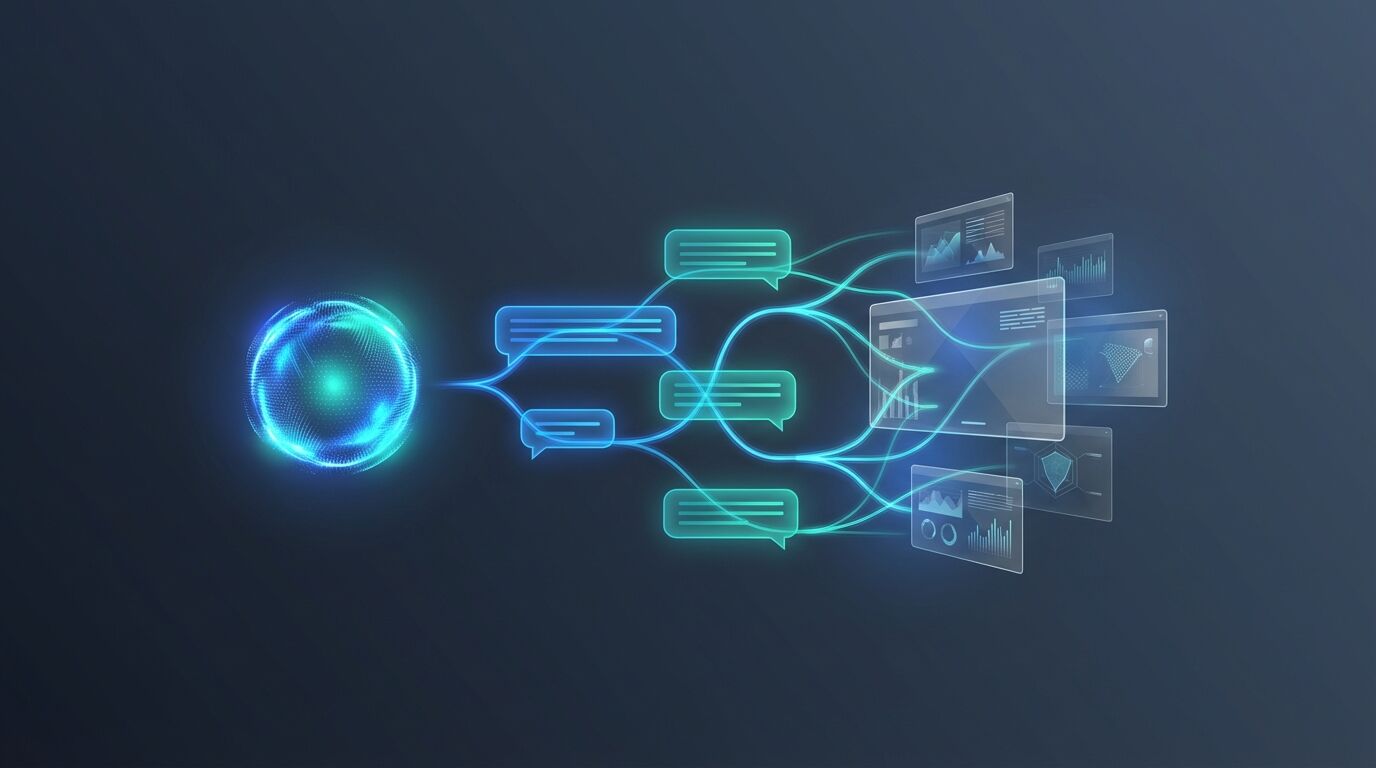
AI-Powered Customer Support
Resolve 80% of Support Tickets
Before a Human Even Sees Them
Last updated
A custom RAG-powered chatbot trained on your knowledge base, connected to your CRM and support systems, delivering instant, accurate responses 24/7.
AI Support Agent Interface
Tickets Resolved Automatically
Average Response Time
Always-On Coverage
Support Cost Reduction
What Makes This Different From a Basic Chatbot?
Most chatbots are glorified FAQ pages with a chat window. They follow rigid scripts, break when customers ask anything unexpected, and frustrate more people than they help.
- A custom support chatbot built on Retrieval Augmented Generation (RAG), trained on your product docs, SOPs, past tickets and knowledge base.
- It answers from your own content instead of scripts, and connects to your CRM and helpdesk through MCP servers.
- It can take action: process refund requests, update accounts, check order status, and create or escalate tickets.
- When a human is needed, it hands over the full transcript, a sentiment score, a suggested resolution and the relevant CRM and order data.
- It can be trained on your business and deployed in as little as 2 weeks.
Our AI support agents are built on Retrieval Augmented Generation (RAG) — a fundamentally different architecture. Instead of scripted responses, the system retrieves real information from your knowledge base, documentation, CRM, and support history, then generates accurate, contextual answers in natural language.
Think of it as giving a brilliant support agent instant access to every document, email, ticket, and product manual your company has ever produced — and the ability to synthesise all of it into a helpful answer in under 3 seconds.
How does the AI support system work?
A modern RAG pipeline connecting your data, AI models, and business systems through MCP servers.
Customer Query
Chat widget, email, SMS, WhatsApp
Semantic Search
Query embedded & matched via vector DB
Context Retrieval
Relevant docs, tickets & data pulled
LLM Generation
AI generates accurate, grounded answer
Connected via MCP Servers & APIs
Vector Store
Pinecone / Qdrant / Weaviate
Knowledge Base
Docs, PDFs, Wikis, FAQs
CRM / Helpdesk
Salesforce, Zendesk, HubSpot
IPA Workflows
Refunds, escalations, actions
| Component | Examples |
|---|---|
| Vector store | Pinecone / Qdrant / Weaviate |
| Knowledge base | Docs, PDFs, Wikis, FAQs |
| CRM / Helpdesk | Salesforce, Zendesk, HubSpot |
| IPA workflows | Refunds, escalations, actions |
Intelligent Support, Not Scripted Replies
What data is the support chatbot trained on?
We ingest your product docs, SOPs, past support tickets, FAQs, policy documents, and internal wikis into a vector database. The chatbot retrieves the most relevant context for every query — so answers are specific to your business, not hallucinated from general training data.
Data Sources We Ingest
- →Product documentation & manuals
- →Historical support tickets & resolutions
- →Internal SOPs & policy documents
- →Website content & knowledge base articles
- →CRM records & customer data (via MCP)
IPA Workflow Actions
- ●Process refund requests
- ●Update shipping status
- ●Escalate to human agent with context
- ●Create support tickets automatically
- ●Reset passwords & update accounts
Can the chatbot take action, not just answer questions?
Through Intelligent Process Automation (IPA) and MCP server connections, your chatbot doesn't just talk — it acts. Process refunds, update accounts, escalate tickets with full context, check order status, and trigger workflows in your backend systems — all without human intervention.
What happens when a customer needs a human?
When a query truly needs a human, the system doesn't just hand off a ticket — it packages the entire conversation, customer history, sentiment analysis, and suggested resolution into a seamless handover. Your agents pick up exactly where the AI left off, saving 5-10 minutes per escalation.
Escalation Package Includes
"Your support team shouldn't be answering the same 50 questions over and over. That's not a job for a human — it's a job for an AI agent with perfect recall and infinite patience."
Frequently asked questions
Stop Paying Humans to Answer FAQsAutomate Support
Deploy a custom RAG chatbot trained on your business in as little as 2 weeks. Your customers get instant answers. Your team gets their time back.